Ingreland
A specification catalog for a food ingredients supplier
A complete WordPress build for a B2B food ingredients supplier, where a catalog of ingredients is classified both by what they are and by the industry they are used in, and the goal of every page is a qualified enquiry rather than a checkout.
What this system is
A supplier of food ingredients needed a site that works the way its customers actually buy. A product developer does not browse for a checkout; they arrive knowing either the ingredient class they need or the product they are formulating, and they need specifications and a route to a technical conversation. The build serves both approaches from one catalog.
- Category
- B2B corporate site
- Technologies
- WordPressWooCommerceElementorCustom child themePHP
- Client
- Available on request
- Live
- Visit site
What was actually wrong
- The same ingredient belongs in two different classifications at once: a stabilizer is both a hydrocolloid and a dairy solution. A single tree cannot express that without duplicating products.
- This is a considered B2B purchase, not a transaction. A cart and a price would be wrong; the useful outcome is a specification document and a conversation with a technical team.
- The catalog spans a wide range across taste and texture ingredients, so navigation has to stay usable as the range grows rather than becoming an unnavigable list.
- The same site also has to carry the marketing surface — services, insights, news and trade show presence — without those competing with the catalog.
How it was solved
- A dual classification: ingredients organised by what they are, under taste and texture, and the same products surfaced again by the industry they serve, from bakery and dairy through to pet food.
- A custom Elementor child theme so the layouts are built for this catalog rather than bent out of a generic template.
- WooCommerce used as the catalog and product data layer, with the journey ending in an enquiry rather than a checkout.
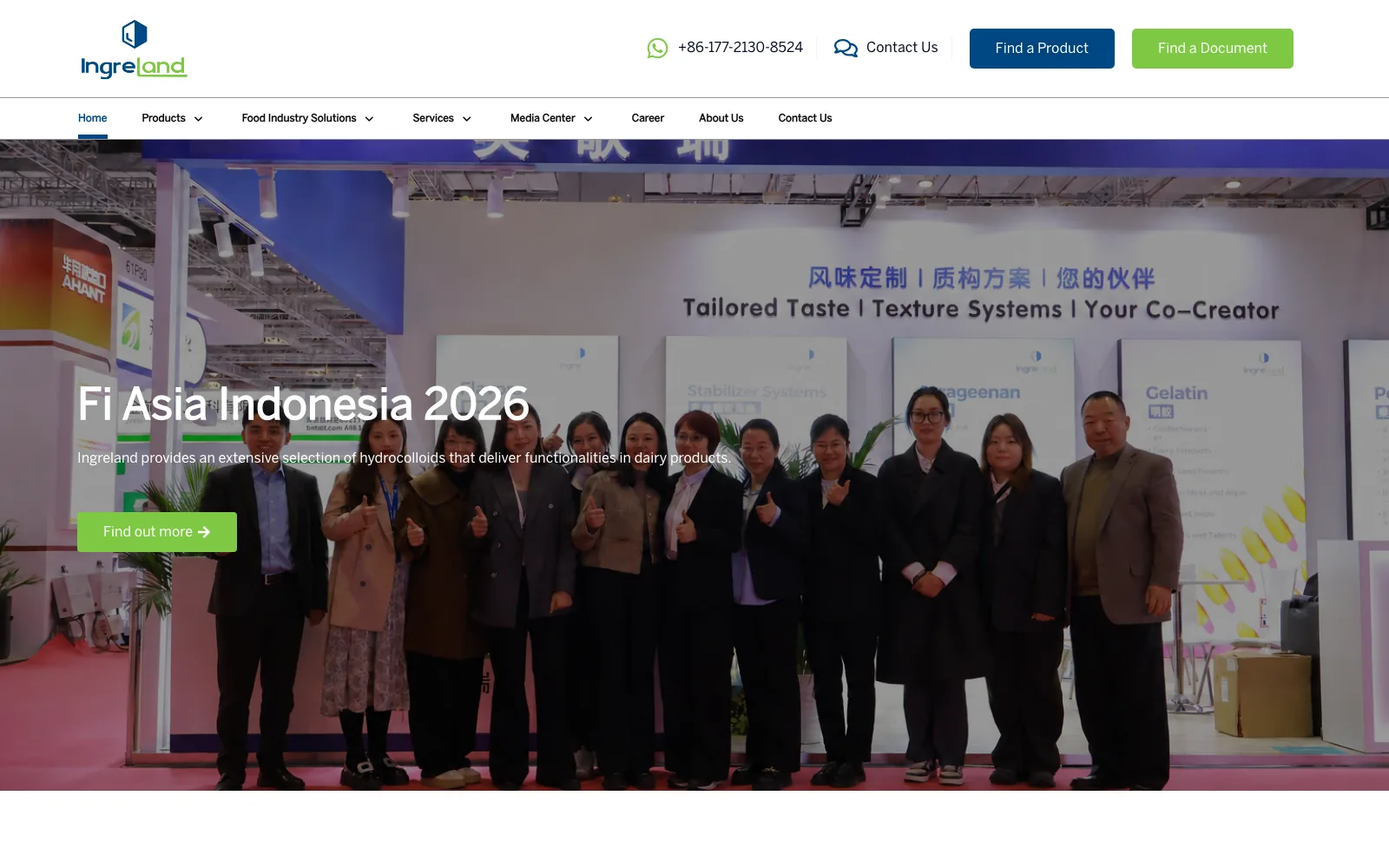
- Direct paths for the two ways buyers arrive: find a product when they know the ingredient, find a document when they need the specification.
- A structured multi-level menu so the whole range is reachable without drilling through intermediate pages.
- Separate space for services, insights, news and event pages, so technical marketing supports the catalog instead of crowding it.
How the system is put together
The parts, and why each one is there.
- 01WordPress with a custom Elementor child theme for all front-end layout.
- 02WooCommerce products and categories as the ingredient catalog and its taxonomy.
- 03A second, application-based taxonomy layered over the same products for the industry solutions routes.
- 04Enquiry capture wired into the product and contact journeys.
- 05Editorial post types for insights, news and event pages, maintained by the client rather than by a developer.
What it does
The functionality that carries the system, described from the user's point of view.
Dual product taxonomy
Ingredients reachable by chemistry, under taste and texture, and by application industry, without maintaining two copies of a product.
Industry solutions routes
Ten application areas, from bakery and beverages to pet food, each presenting the ingredients relevant to that formulation work.
Find a product, find a document
Two entry points in the header matching the two ways a technical buyer arrives at a supplier site.
Enquiry-led journey
Product pages route to a technical conversation rather than a cart, which is how this category actually sells.
Multi-level navigation
The full range stays one hover away as the catalog grows, rather than being buried behind category landing pages.
Editorial and events
Insights, news and trade show pages the client maintains directly, supporting the catalog without competing with it.
Stack
Platform
- WordPress
- WooCommerce
Frontend
- Custom Elementor child theme
- Elementor Pro
Language
- PHP
- JavaScript
Data
- MySQL
- Custom taxonomies
Development highlights
One product, two classifications — the application view is a second taxonomy over the same records, not a duplicated catalog that drifts out of sync.
The commerce plugin is used for what it is good at, product data and taxonomy, without forcing a checkout the business does not want.
Navigation was treated as a real design problem, because on a supplier site the menu is the product finder.
Content types the client can maintain, so insights and event pages do not require a developer during a trade show season.
Where it ended up
Described in terms of what the system now does. No invented metrics.
Buyers can arrive by ingredient or by what they are making and reach the same catalog either way.
The site produces qualified technical enquiries rather than pushing an inappropriate checkout.
The client publishes their own insights, news and event pages around the trade show calendar.
Building something like this?
Tell me where your situation is similar and where it differs. The differences are usually where the real work is.
Typical first reply within one business day · Lahore, PKT (UTC+5)